Blog · · 9 min read
Durable agents in your existing product workflow runtime: host each model turn and tool call as a durable step so crashes and deploys do not lose or duplicate side effects
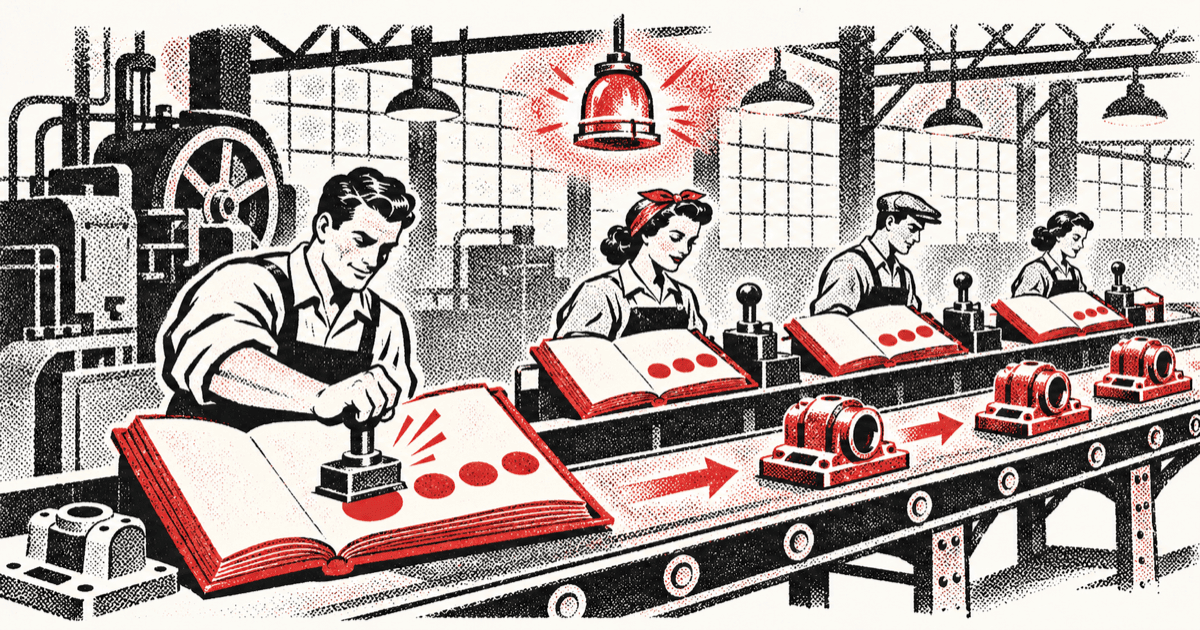
Your product already runs durable workflows for orders, imports, and approvals. The agentic loop you just shipped still lives in a request worker. A deploy mid-turn loses paid model calls. A tool timeout retries the whole trajectory. A human approval holds a process open. Vendor docs name this pattern durable agents: each model call and each tool call becomes a step the runtime can resume without redoing completed work. This guide shows how to host that loop on the workflow runtime you already operate, and how to avoid the wrapper footguns that only appear once the agent is journaled.
Why an in-process agent loop fails the first production incident
An agent is a loop of model calls and tool calls. In memory, that loop looks fine in a demo. In production it meets the same failure modes your order pipeline already solved:
- The worker process dies after the fifth tool call of ten.
- You deploy while a reviewer is still deciding whether to refund.
- A rate-limited model call succeeds, then the process crashes before the result is saved, so a naive restart pays for the call again.
- A write tool times out after the upstream API committed, and the next attempt creates a duplicate.
Inngest's durable agents guide states the contract directly: each model call and each tool call runs as a step, completed steps return their saved results on resume, and only the failed step retries. Restate's durable agents pattern uses the same idea with a journal: LLM responses and tool results are persisted so recovery continues from the first incomplete step. Orkes describes the production boundary as keeping reasoning in the agent framework while moving durable state, retries, waits, tool routing, and audit history into the workflow engine.
If your SaaS already runs Temporal, Inngest, Restate, Conductor, Cloudflare Workflows, or Azure Durable Task, skip a second durability stack. Point the agentic flow at the runtime you already trust.
Map the agent loop onto the runtime you already run
Mature engines share the same mapping. Only the names change.
| Agent action | Temporal | Inngest | Restate | Conductor / Orkes | Microsoft Durable Extension |
|---|---|---|---|---|---|
| Choose next step | Workflow code | Function body | Handler loop | Workflow definition | Orchestration or durable agent |
| Call the model | Activity | step.run("think", …) | ctx.run / durable model middleware | LLM task / worker | Durable agent or activity |
| Call a product tool | Activity per tool | step.run("tool-…", …) | ctx.run inside the tool | Task / worker | Activity or durable tool step |
| Wait for a human | Signal / Update + wait_condition | step.waitForEvent | Suspension / awakeable | Human task | External event wait |
| Survive a deploy | History replay | Step checkpoint | Journal replay | Persisted workflow | Durable Task Scheduler |
Temporal's AI agent reference architecture makes the critical rule explicit: Workflows orchestrate, Activities execute. Every LLM call, tool invocation, external API request, and database read belongs in an Activity. Calling the model inside Workflow code makes replay request a new completion and breaks determinism.
Microsoft's Durable Extension applies the same split for Agent Framework agents: persist sessions, checkpoint workflow progress, pause for human input without consuming compute, and resume across distributed hosts. Use it when your estate is already on Durable Task; otherwise stay on the engine your product already operates.
A practical inventory for an existing product agent looks like this:
- List every model call in the loop, including retries and judge calls.
- List every tool that reads or writes product state.
- Mark which tools are read-only, which need confirmation, and which need idempotency keys.
- Decide which waits are short chat approvals and which are multi-hour human tasks.
- Put each of those boundaries on the durable runtime before you tune prompts.
Keep the workflow deterministic when the model is not
The model is non-deterministic. The journal is not. Every durable runtime recovers by re-entering your function and replaying completed step results. Anything that can change between executions must live inside a durable step.
Three product rules follow.
Disable native parallel tool batches on journaled runtimes
When you journal tool calls through a replay runtime, disable the agent SDK's native parallel tool execution and fan out with the runtime's own gather primitives, because Promise.all or asyncio.gather can complete in a different order on retry and break the journal.
Agent SDKs love Promise.all and asyncio.gather for parallel tools. Restate's parallel tool-call guide warns that those native batches can complete in a different order during replay and break deterministic journals. The fix is not "never parallelize." It is: disable the SDK's parallel tool option, then fan out with the runtime's own primitives (RestatePromise.all, restate.gather, Temporal parallel Activities with stable IDs, Inngest parallel steps with unique step IDs).
Restate's SDK integration guide adds the companion constraints: wrap model calls, turn off streaming inside ctx.run, propagate terminal errors and suspension errors instead of feeding them to the model as ordinary tool output, and persist built-in tool results the same way you persist your own tools.
Vendor durable-agent pages mention these constraints in passing. Retrofit guides for "add an agent to SaaS" usually stop at tool adapters and confirmation UIs, so teams discover the parallel-tool break only after the first retry storm. Make the determinism checklist a gate in your PR template.
Treat identical tool calls as new work
Treat identical tool calls as new work: a continue-as-new or cross-turn cache keyed only on name and arguments can return the first call's result and even the wrong tool_call_id to a later identical request.
Caching "same tool, same arguments" inside a long agent run looks tidy and fails under durable agents.
temporalio/sdk-python#1806 fixed a Deep Agents bug where a continue-as-new result cache deduped repeated identical tool calls and served the first call's cached result, including the first call's tool_call_id, to a later identical request. Side-effecting tools ran once when they should have run twice. Reads after writes returned stale contents. Identical model calls could not resample. The maintainers retired the cache for new executions: repeats are legitimate work, and replay already has history for completed steps.
Product rule: if the model asks for the same tool twice, schedule two durable steps. Deduplicate only at the product API with an explicit idempotency key you control, never by silently collapsing journal entries.
Feed tool errors back to the model
Wrapping an agent with a durable helper can silently change error recovery: if the wrapper ends the run when every tool in a step errors, the model never sees those errors and cannot self-correct the way the non-durable loop would.
A durable wrapper must not invent new failure semantics.
mastra-ai/mastra#17789 reported that createDurableAgent ended the run when every tool call in a step errored, so the model never saw the error results and could not self-correct. The ordinary non-durable agent loop already appended those errors and continued. Wrapping the agent for durability silently removed recover-from-error behavior that production users depended on. The issue was labeled impact:high and later fixed on main.
Product rule: durable hosting changes where results are stored, not whether the model is allowed to see tool failures. Cap retries on the step. Return permanent failures to the model as tool results. Keep a separate circuit breaker for consecutive failures if you need one, but do not exit the loop on the first tool exception.
Implementation sequence for an existing product
1. Pick the outer owner
Choose one durable runtime as the owner of the agentic flow. Prefer the engine that already runs your irreversible product workflows. Mixing a second journal for the agent creates two sources of truth for the same refund.
2. Move model and tool calls behind step boundaries
Start with one high-value workflow, for example "summarize account and propose a refund." Keep the chat UI. Move the server loop so every model call and every tool call is a durable step. Inngest's example uses step.run("think", …) and step.run("tool-${name}", …) inside a capped for loop. Restate and Temporal examples follow the same shape with ctx.run and Activities.
3. Attach product identity and tenancy outside the model
Inject tenantId, userId, and authorization context in the adapter that executes the tool, not in the prompt. The durable step records the authorized call. The model only sees the tool schema and the filtered result.
4. Put human approval on a durable wait
Temporal's HITL patterns use Signals and Updates with wait_condition. Inngest waits with step.waitForEvent. Microsoft's Durable Extension waits for external events without holding compute. The product UI posts the approval event; the agent does not keep a request open for hours.
5. Make side-effecting tools safe to retry
Durable execution retries failed steps. That is at-least-once delivery for the tool worker. Give every write an idempotency key derived from workflow ID plus step identity, or from a product action ID the agent received before execution. Orkes lists this as a required pre-rollout check: retry a side-effecting task with the same key and confirm duplicates are prevented or compensated.
6. Keep memory and trajectory separate
Within a run, the step history is the trajectory. Across runs, load and save conversation memory in durable steps keyed by your product conversation ID, as Inngest recommends. Do not confuse provider-managed conversation IDs with your product thread ownership.
Failure modes to design for before launch
| Failure | Wrong response | Durable response |
|---|---|---|
| Worker dies after LLM success | Replay calls the model again | Replay returns the saved model result |
| Tool times out after commit | Whole loop restarts and double-writes | Only the tool step retries, behind an idempotency key |
| Human takes two days | Process or socket held open | Durable wait; worker scale to zero |
| All tools in a step throw | Wrapper ends the run "successfully" | Errors return to the model; loop continues under a max-step cap |
| Model asks for the same read twice | Cache returns the first result blindly | Two steps run; optional product-level cache with explicit TTL |
| Parallel tools reorder on replay | Journal nondeterminism / crash loop | Runtime gather primitives with stable step IDs |
Zylos' 2026 survey of durable execution patterns is useful for engine comparison, but it will not replace the product checklist above. Use it to pick an engine. Use the checklist to ship on the engine you already have.
Prove the contract before you widen rollout
Run Orkes' five proofs against your real agent workflow, not a hello-world:
- Kill a worker after an LLM step completes and confirm the LLM step is not repeated.
- Force a tool timeout and confirm only that tool retries.
- Leave a human task open across a deploy and confirm resume after approval.
- Retry a write with the same idempotency key and confirm no duplicate side effect.
- Open the run history and confirm operators can see inputs, outputs, timing, retries, and failures for every model and tool step.
Add three product-specific proofs for the cases this article covers:
- Ask the model to call the same side-effecting tool twice with identical arguments and confirm two durable steps ran with distinct tool result pairings.
- Make a tool throw a recoverable validation error and confirm the model receives the error and continues.
- Request multiple tools in one turn on a Restate-style journal and confirm they run through runtime gather primitives, not naked
Promise.all.
If any proof fails, the agent is not ready for customer workflows no matter how good the prompt looks.
What this is not
Tool adapters, confirmation UIs, and staged rollout still matter; Agent Notebook's retrofit tutorial covers that entry path. Compiling past traces into deterministic playbooks is a later optimization once you have trajectories worth mining. This article is only about making the live agentic flow survive crashes on day one.
Next action
Pick one irreversible in-product agent workflow that already has a human approval. Move its model calls and tool calls onto your existing durable runtime with stable step IDs, disable native parallel tool batches if your journal requires it, return tool errors to the model, and run the eight proofs above in staging. Widen traffic only after the kill-worker and identical-call proofs pass.